Remote desktop
Use the apps on your computer from another device. The session toolbar puts zoom, pointer controls, and connection status within reach.
See the session controls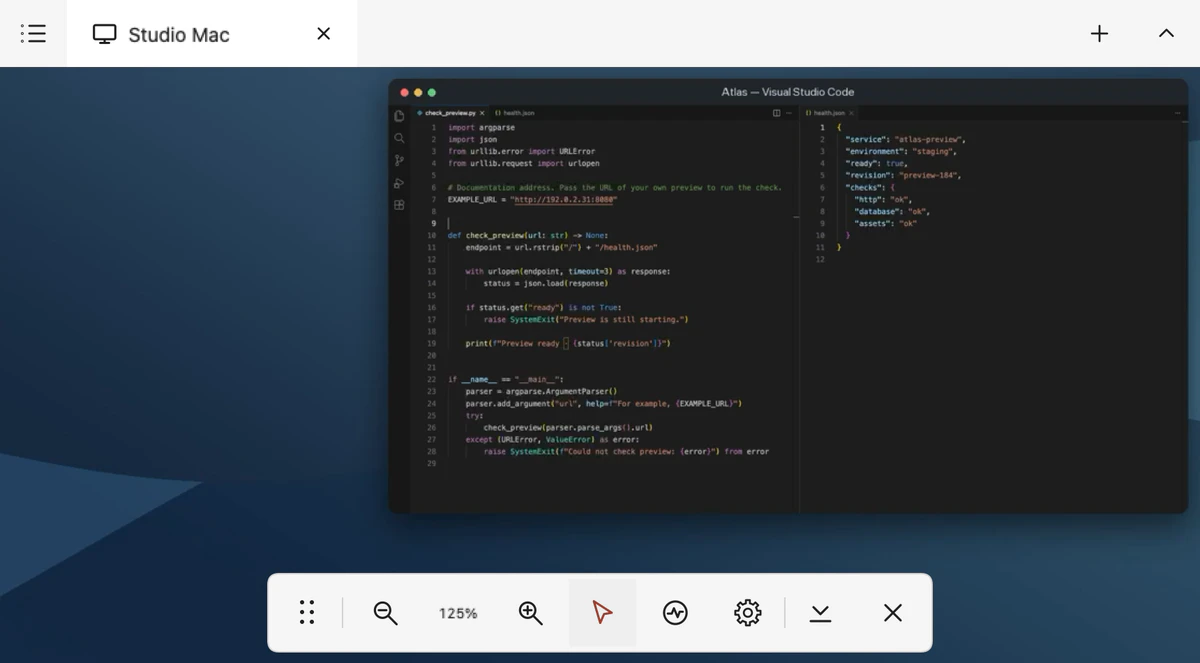 View full size
 Vey
Open your computer from another device and switch to a server terminal in the same app.
Preparing for public release

Use the apps on your computer from another device. The session toolbar puts zoom, pointer controls, and connection status within reach.
See the session controls
View full size
Save the servers you use and open a terminal when you need it. You can connect to a reachable SSH server with its own login.
Set up SSH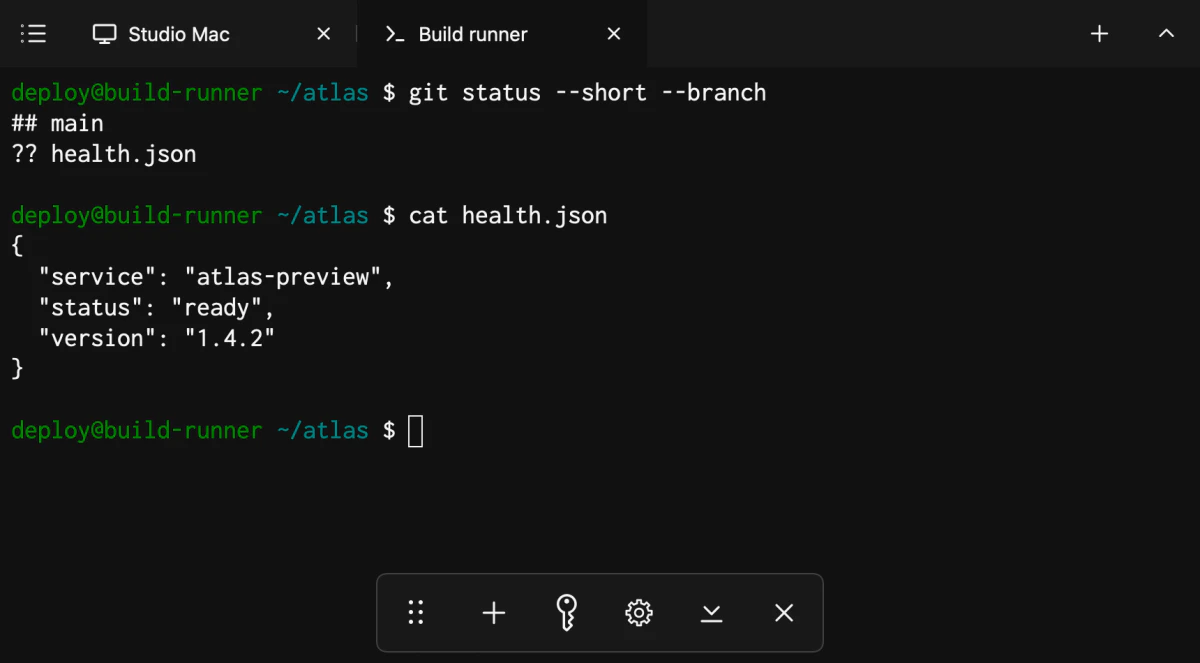 View full size
Install Vey Host on the computer you want to control. Add it in Vey, compare the Host fingerprint, then approve your device on the computer.
Read the setup guide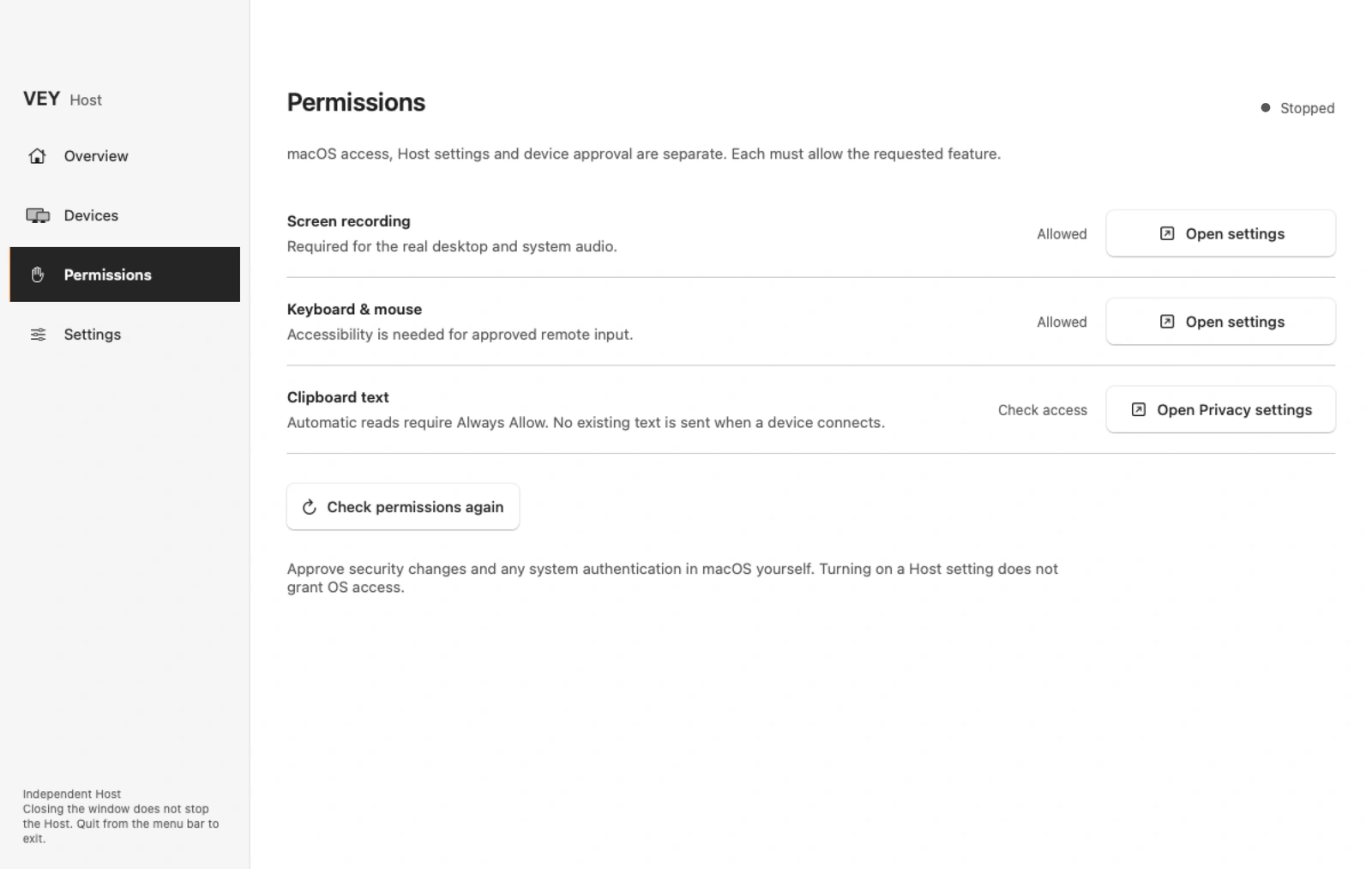 View full size
Public downloads are in preparation. Release dates and final prices will be listed here when confirmed.
Use Vey for personal or work projects with no extra business fee or business subscription.
From another network, your device needs a route to the computer. Your setup may require a VPN or router and firewall changes. Vey does not provide an internet relay.
Read the network guide